AI Image Converter
Credits required: 4
AI Image Converter — Style Transfer
Pick a style, upload a photo, and transform it with GPT Image 2.
Your converted result will appear here
AI Image Converter — Transform Photos into Art Styles Free Online
Use AI Image Converter to restyle any photo — upload once, pick Ghibli, Pixar, Watercolor, Pixel, and more.
Fast AI style conversion that keeps composition recognizable — built for creative exploration on Lucer.
What Is AI Image Converter?
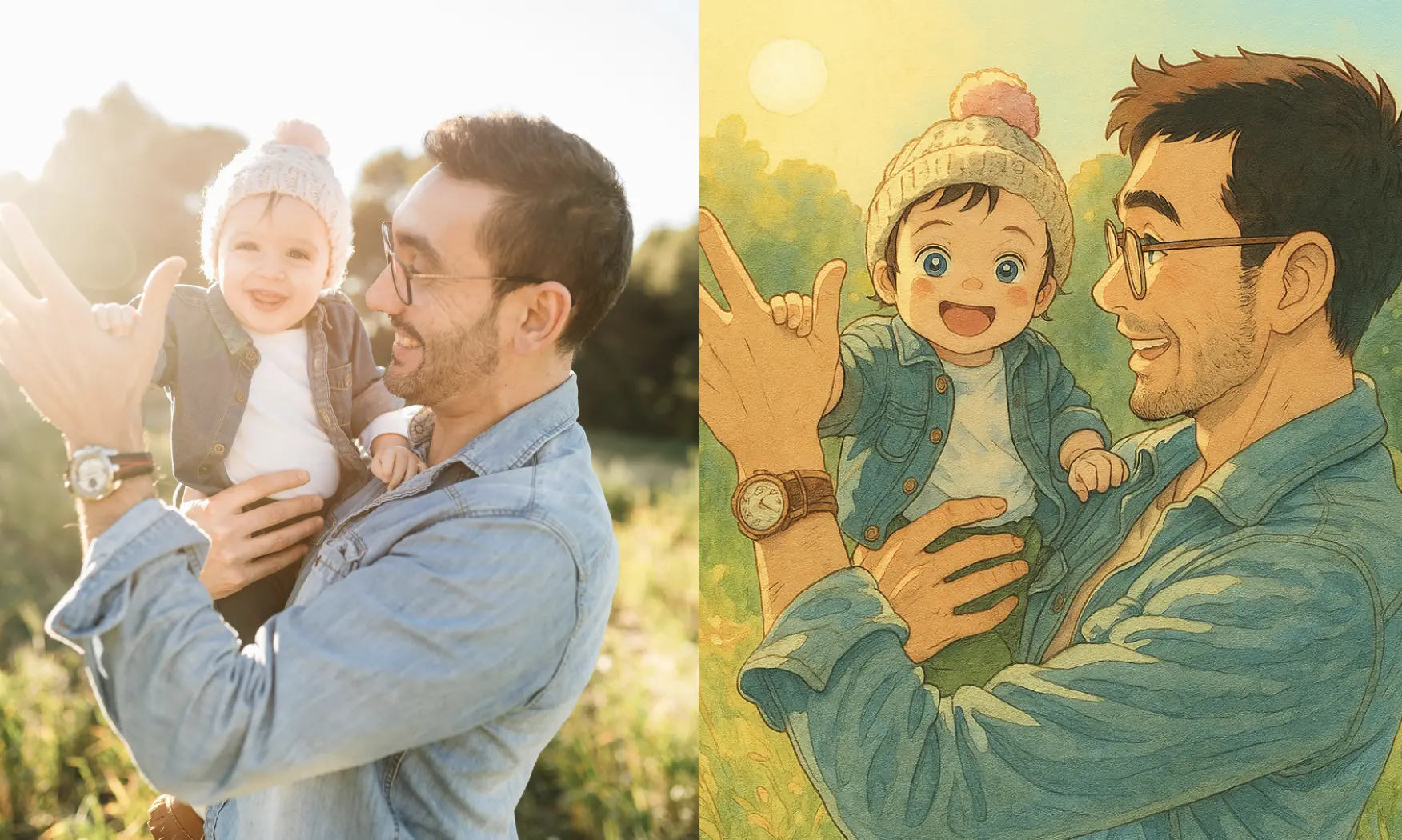
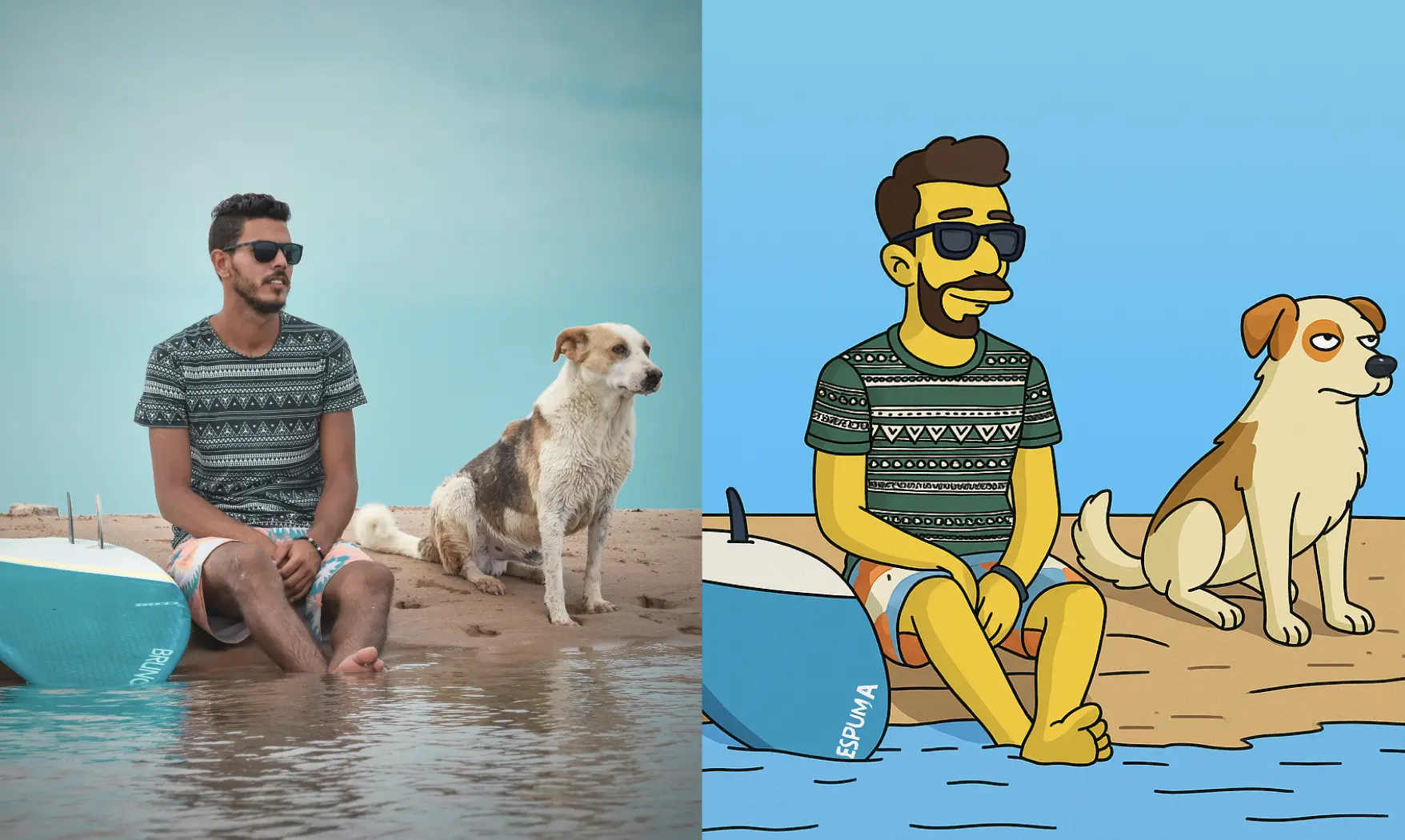
AI Image Converter is a one-image style transfer tool on Lucer. You upload a photo, choose an artistic style preset, and GPT Image 2 recreates the scene in that look — from anime and 3D animation styles to sketch, watercolor, and cyberpunk.
Upload One Photo
Start AI Image Converter with a clear portrait, product shot, or scene — this image is what gets restyled.
Pick an Art Style
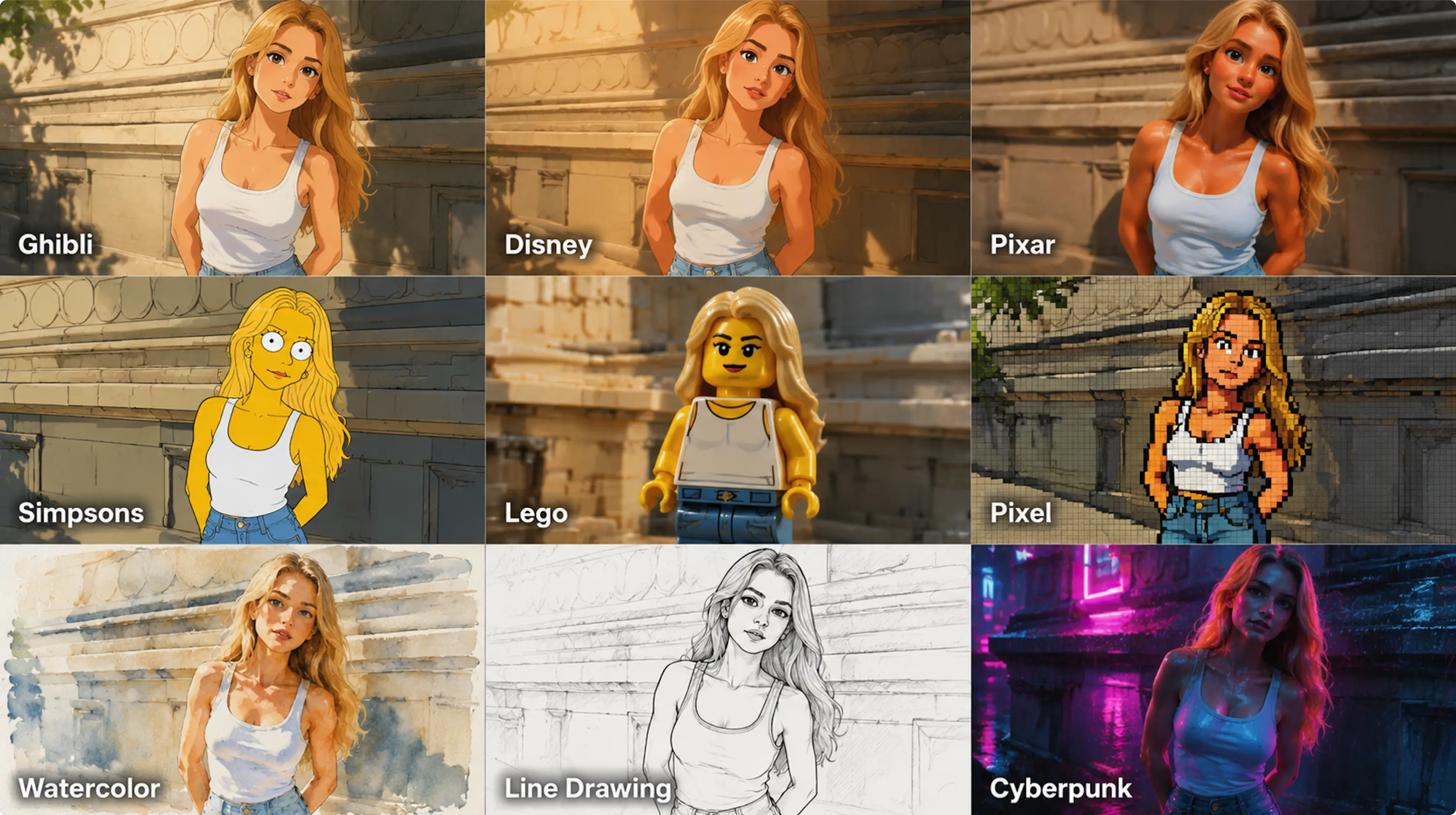
Browse AI Image Converter presets such as Ghibli, Disney, Pixar, LEGO, Watercolor, Pixel, Cyberpunk, and more — tap one to apply its default style prompt.
Optional Prompt Tweaks
Each AI Image Converter style ships with a tuned prompt. Turn on customize when you want to refine the conversion wording.
Transparent Credits
Each AI Image Converter run shows its credit cost before you confirm. Sign in to track your balance and top up on Pricing.
Why Use AI Image Converter on Lucer
A focused AI Image Converter flow — upload, pick a style, generate, download — so you explore look-and-feel ideas without rebuilding every shot from scratch.
How to Use AI Image Converter
Three steps to AI Image Converter results:
Upload Your Photo
Add a clear image you want to restyle — portraits, lifestyle shots, and product photos all work with AI Image Converter.
Choose the Style
Select an AI Image Converter preset from the gallery. Optionally customize the prompt if you want tighter control.
Generate & Download
Click generate, wait for AI Image Converter to finish, review the preview, and download when satisfied.
AI Image Converter Features
Everything in this workspace is tuned for photo-to-art style conversion — not generic editing alone.
One-Image Style Transfer
AI Image Converter restyles a single upload into the selected artistic look with GPT Image 2.
Ready-Made Style Presets
Ghibli, Pixar, Disney, LEGO, Watercolor, Pixel, Cyberpunk, and more — one tap in AI Image Converter.
Customizable Style Prompt
Keep the AI Image Converter default prompt or edit it when you need a more specific conversion.
Composition-Aware Results
AI Image Converter aims to keep subject layout readable while shifting the artistic treatment.
Predictable Credit Cost
See credits required before each AI Image Converter run — no surprises at checkout.
Inline Preview
AI Image Converter results appear in the workspace panel so you can iterate without leaving the page.
FAQ: AI Image Converter
More questions about AI Image Converter? Reach out via the contact options in the footer.
Try AI Image Converter Now
Jump to the generator above, upload your photo, pick a style, and convert with AI Image Converter — or open Pricing for credits.